To copy multiple days, start by copying the first day as described above. Then hold down the Shift key, go to the next day, click on the first shift, and press Ctrl + A to select the entire day. You can then paste both days into the schedule.
1. Click on the Work tab in the VSB
2. Click on the chevron on the Work Assignments menu
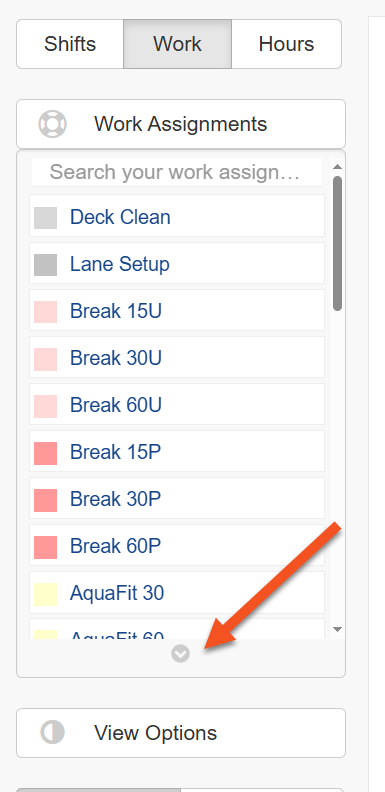
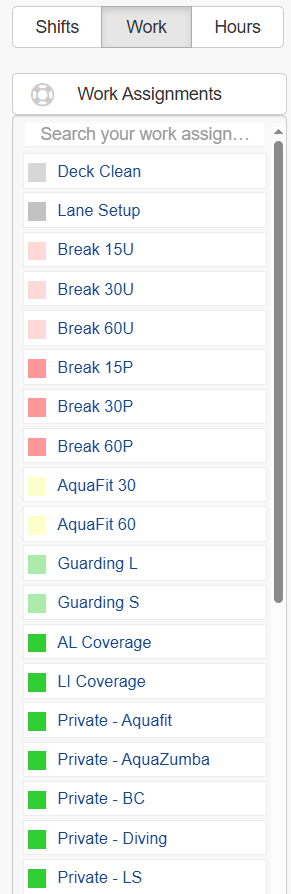
The list will expand to fill the available screen height, showing as many work assignments as possible. To collapse the list again, click the same chevron (now inverted) to return it to its original size.