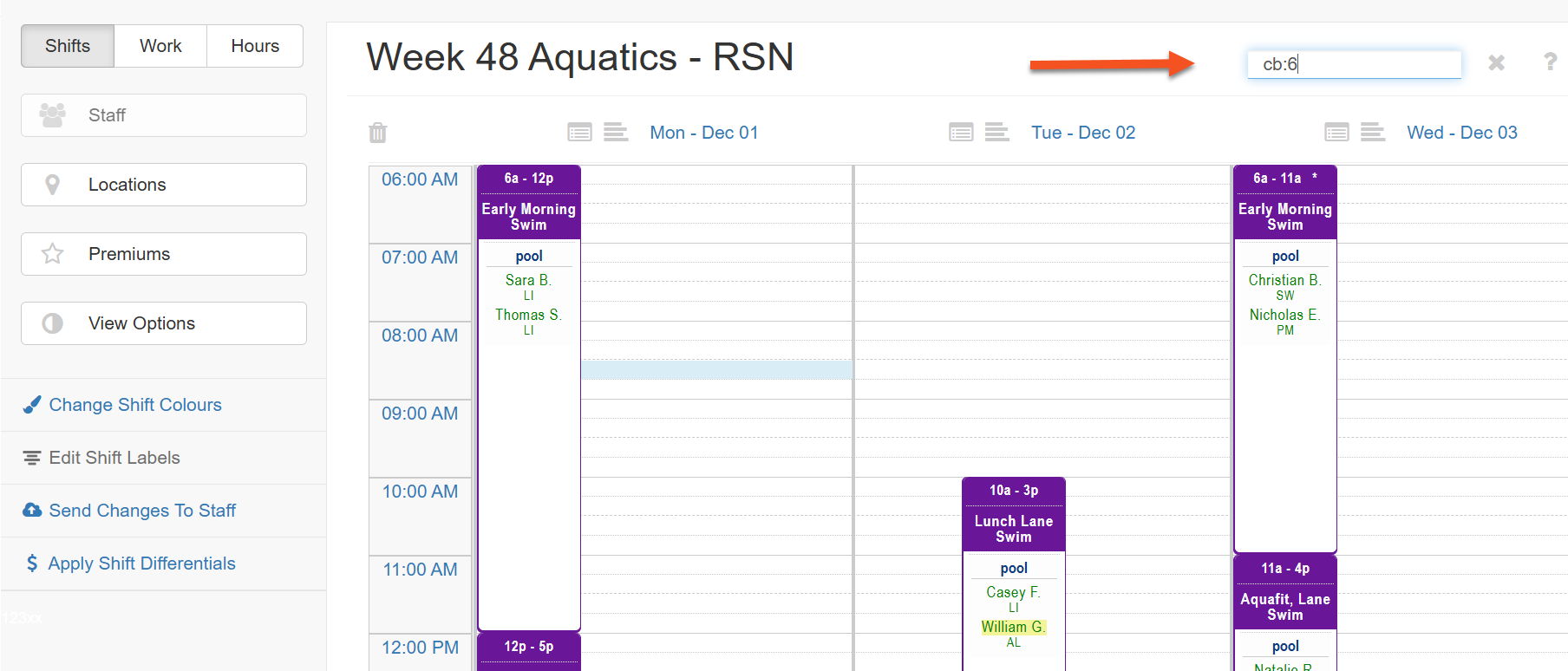
The shift canvas supports colour-based searching to help you organize and locate shifts more efficiently.
When you assign a colour to a shift it receives a numeric colour code (0–63) and is grouped into one of eight colour bands (0–7). Hovering over a shift will display both of these values.
There are two ways to filter the shift canvas by colour using the quick search bar:
1. c:XX - search for a specific colour code
2. cb:X - search for a colour band
1. Click on the magnifying glass in the upper right hand of the shift canvas to open the search shift canvas field

2. Hover over a shift that uses the colour you want to filter on to see the colour code and colour band.
3. Add the colour code to the search field c:54 or the colour band cb:6
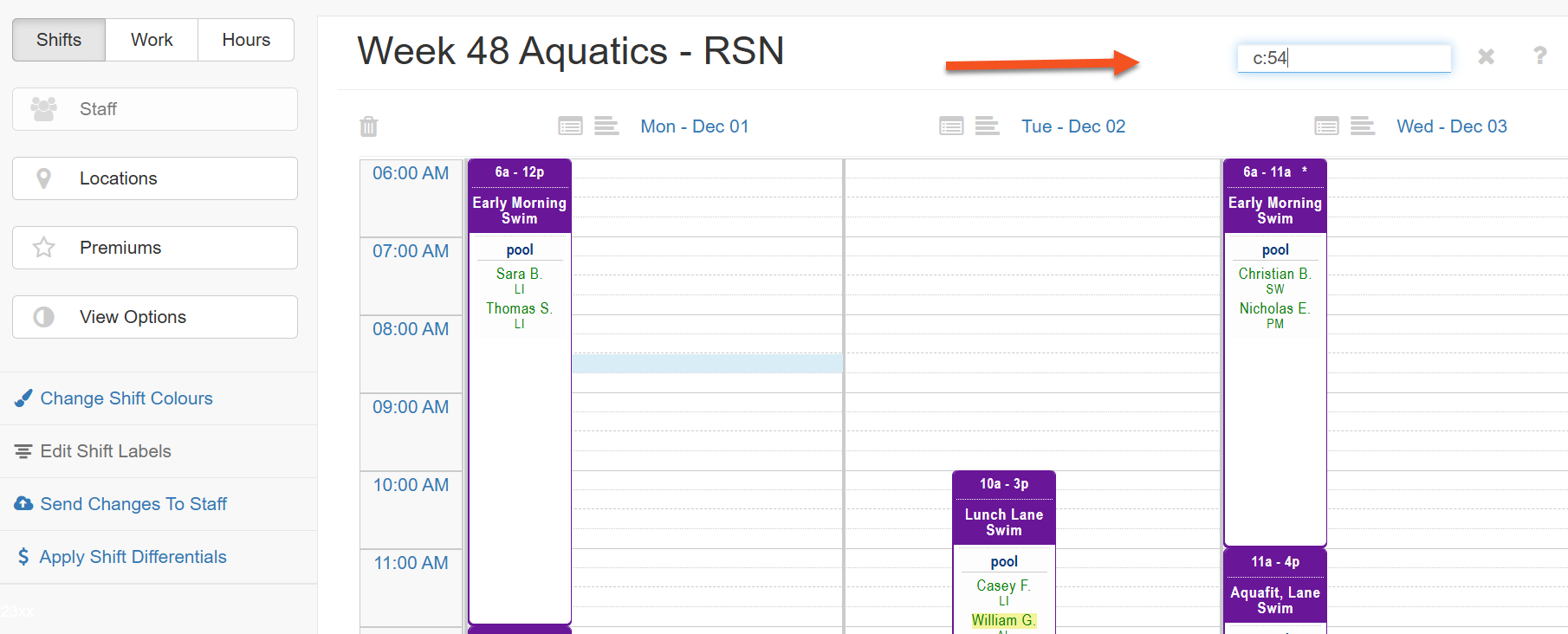
Both searches give the same results