
There are two ways to create recurring shifts in RecStaff:
1. By Copy - allows you to create recurring shifts (does not support lesson sets)
2. By Session - allows you to create recurring shifts and lesson sets
By Copy
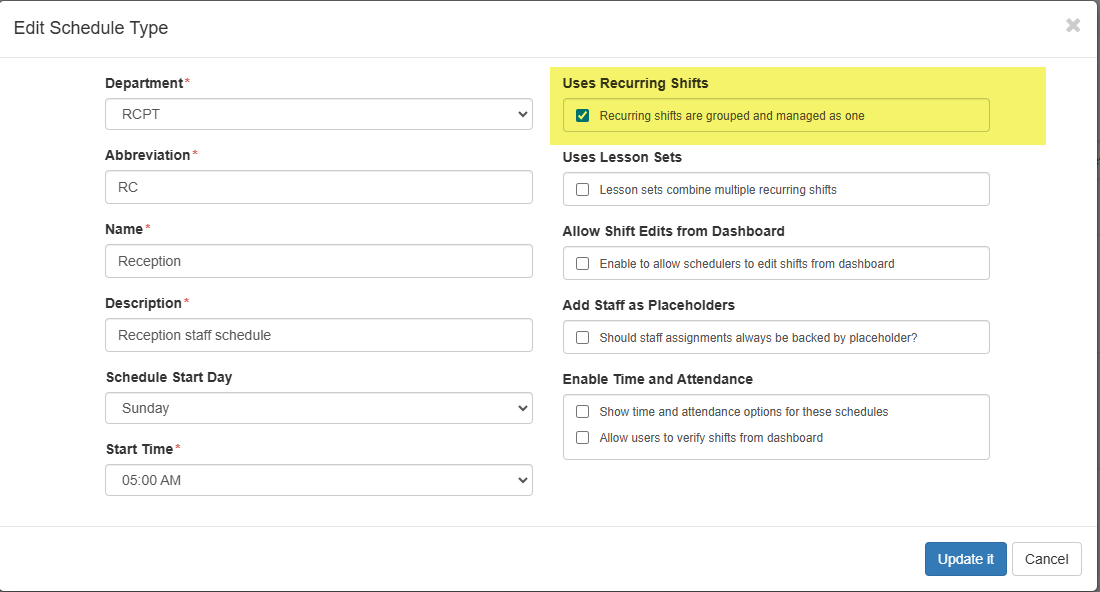
To link shifts week to week you must first enable the Uses Recurring Shifts option on the schedule type.
Click on Site Setup or Department Setup - Schedule Types
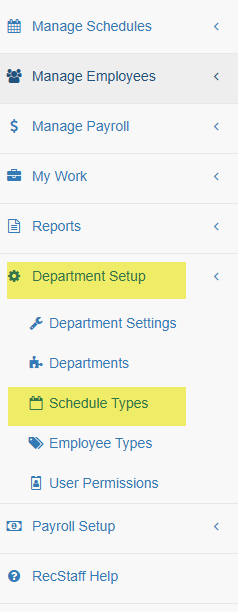
Click on the Edit Pencil beside the schedule type you will be adding recurring shifts to

Tick the Uses Recurring Shifts and save by clicking Update it
Once you're enabled the option to create recurring schedules you can create your template schedule to copy forward week to week.
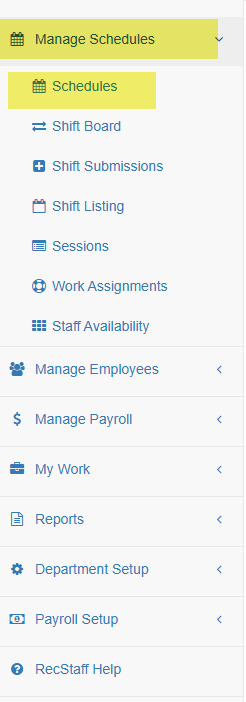
Go to Manage Schedules - Schedules
Create your template schedule
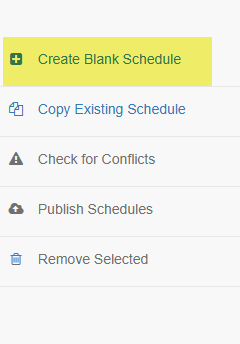
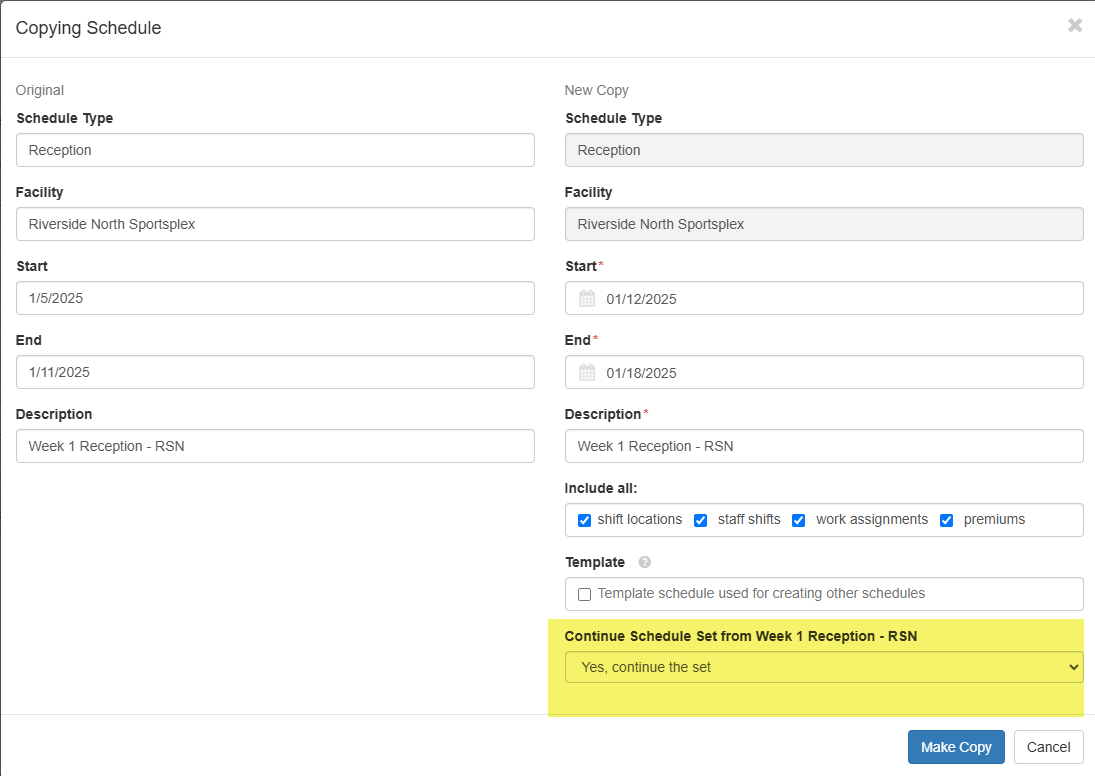
Build your template schedule and copy forward

Choose Yes, continue the set under the Continue Schedule Set from XX (XX=name of copied schedule)
Copied schedules and shifts will have a chain link icon beside them
