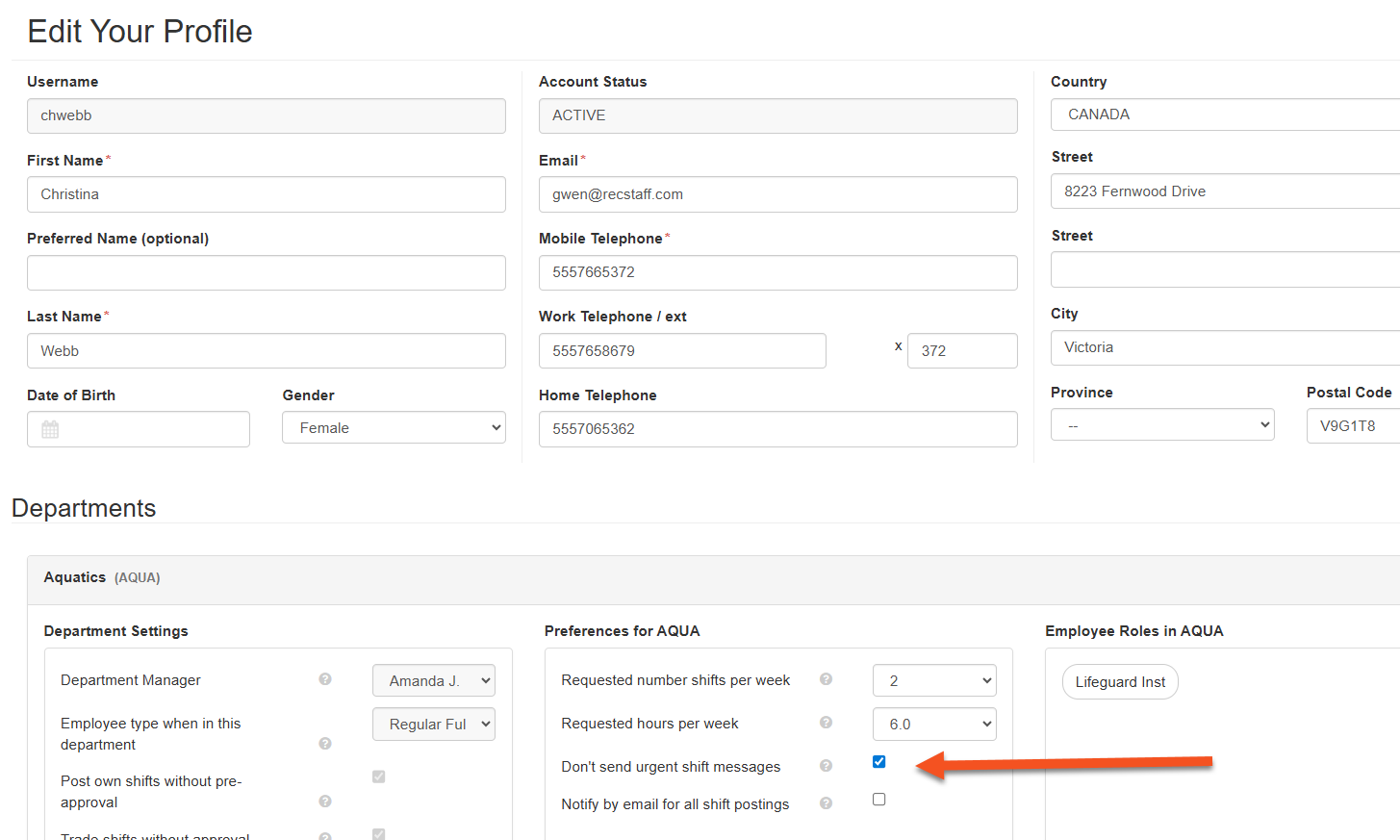
If your department allows it, you can choose not to receive urgent shift notifications.
Urgent shift notifications are sent when a shift that has been posted to the shift board for pick up falls into the urgent lead time based on your departments settings.
To opt out of urgent shift notifications:
1. From your dashboard, click on the user profile (person icon in upper right of screen)
2. Click on the user profile option in the dropdown box
3. Scroll down to the department and click on the tick box for Don't send urgent shift messages