
If your organization allows it, you can choose to receive email notifications when shifts are posted to the Shift Board.
These notifications are sent immediately when the shift is posted and sent by email only.
How to turn on email notifications for shift postings:
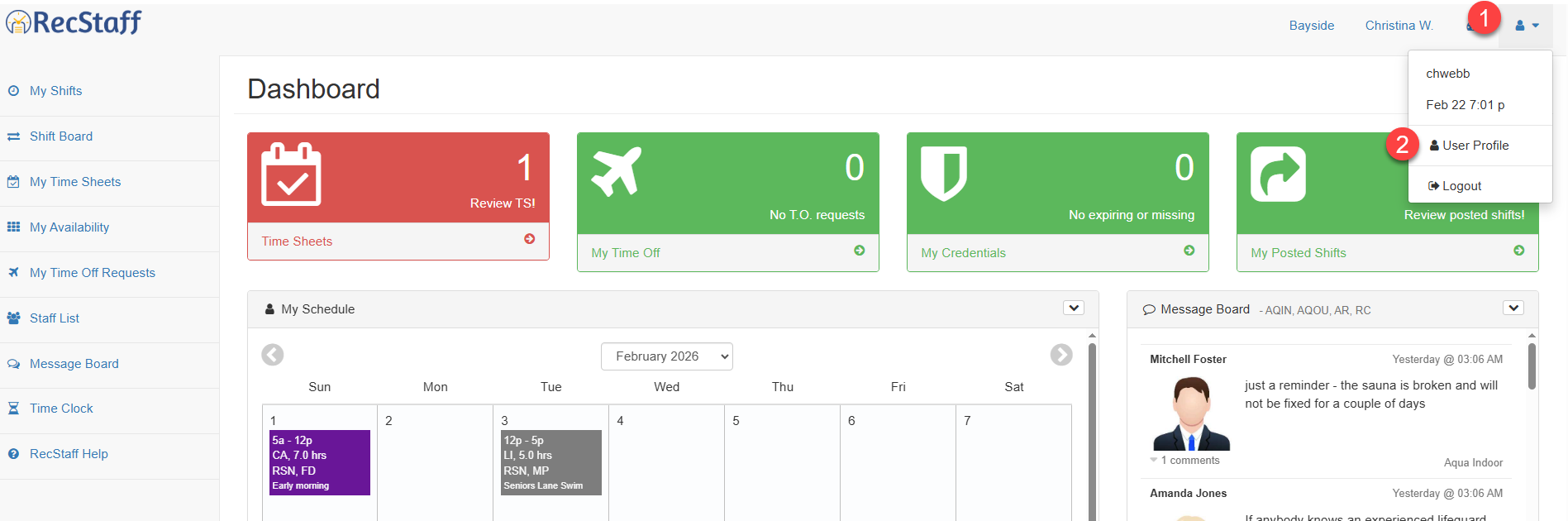
1. Click on the User Profile icon on your dashboard (person icon in upper right of your screen)
2. Click on the User Profile icon from the dropdown box
3. Scroll down to the department you want to add email notifications to
4. Click on the tick box Notify by email for all shift postings