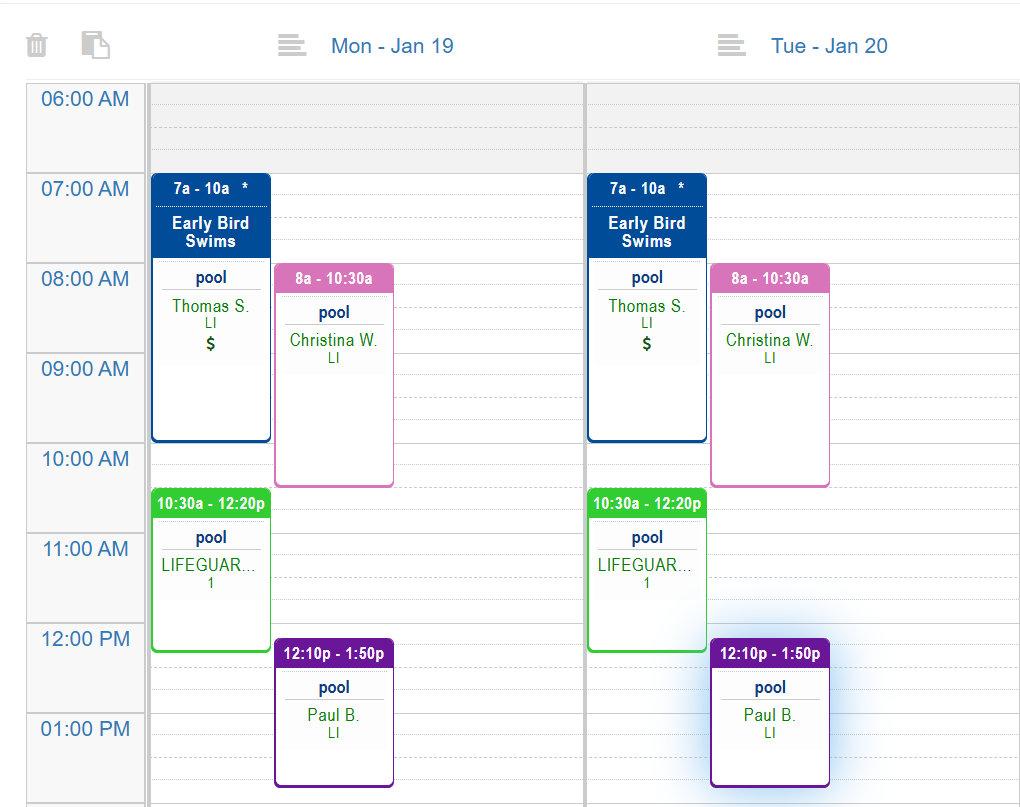
When building schedules, it’s often faster to reuse an existing day rather than recreate each shift manually. RecStaff allows you to copy all shifts from a single day and paste them to another date on the same schedule or a different schedule. If you have added work assignments to the shifts they will be copied as well.
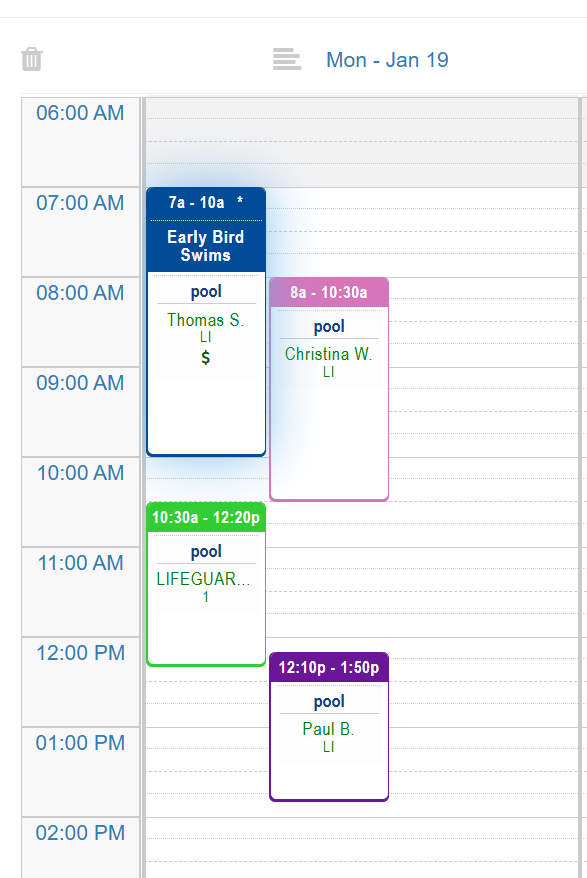
1. Click on the a shift on the day to highlight it
2. Click Ctrl + A to highlight all shifts on the day
3. Click Ctrl + C to copy all the shifts
4. Click the spot you want the shifts to copy to. The spot will appear with a blue line.
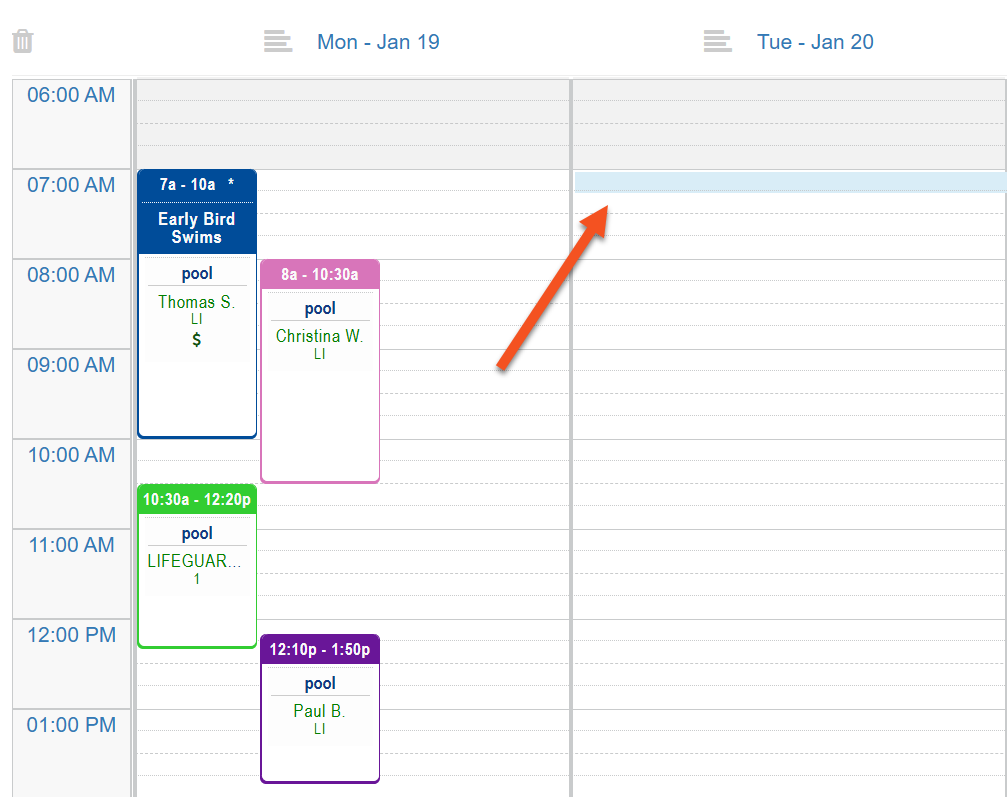
5. Click Ctrl + P to paste the shifts