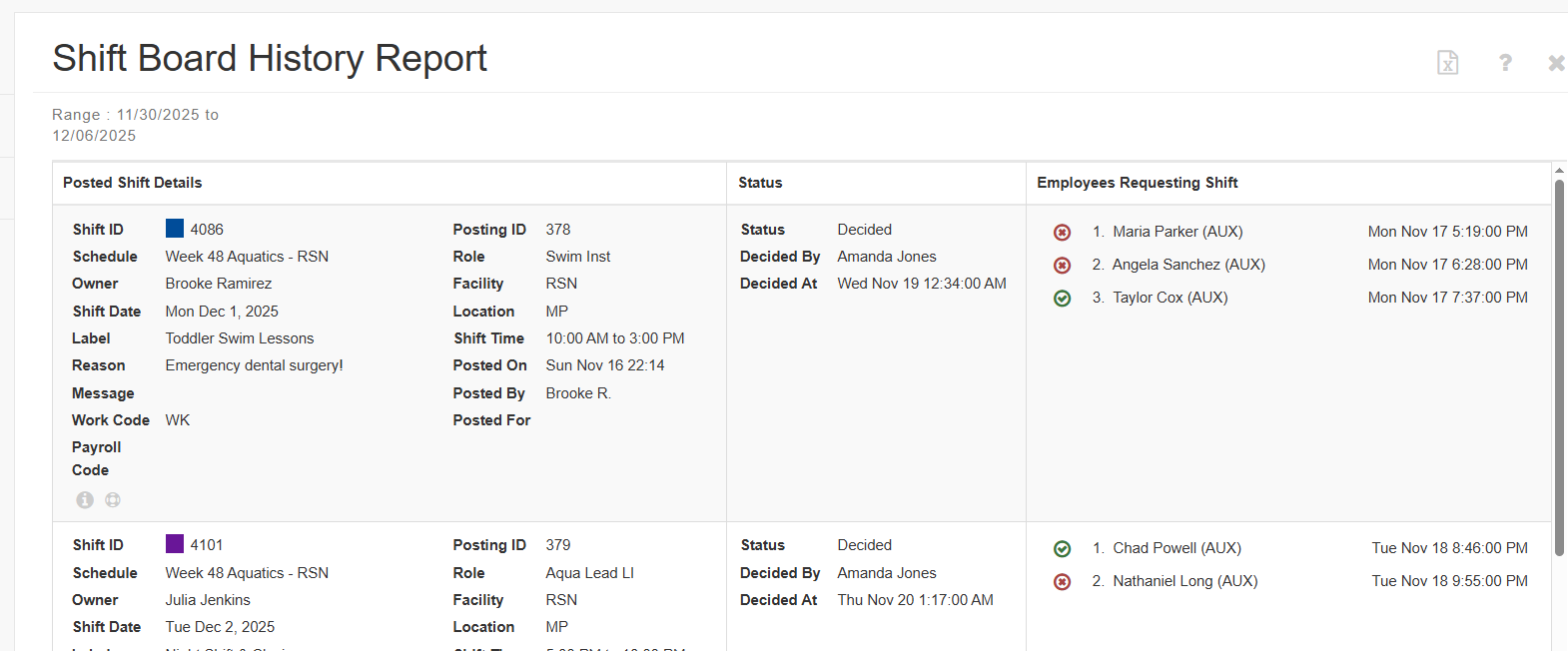
The Shift Board History Report provides a complete record of everything that has happened on the Shift Board. It lists every shift that was posted for pick-up and shows all activity related to requests, awards, cancellations, expirations, and administrative actions.
This report is designed to give supervisors a clear, auditable history of how each posting was handled. The report uses the same look and feel as the regular Shift Board but includes additional icons and information so you can see the full lifecycle of each shift.
1. Click on Reports
2. Click on Shift Board History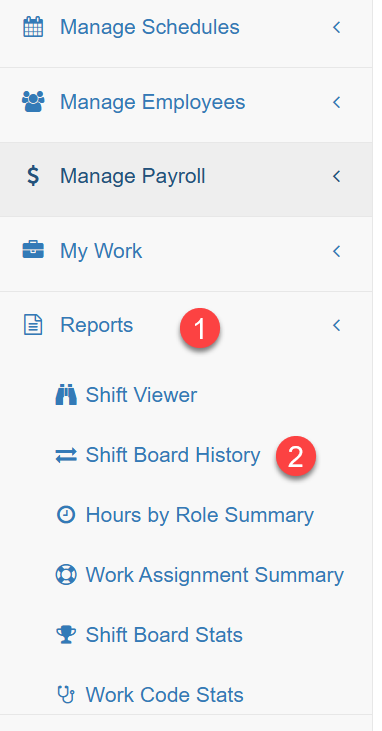
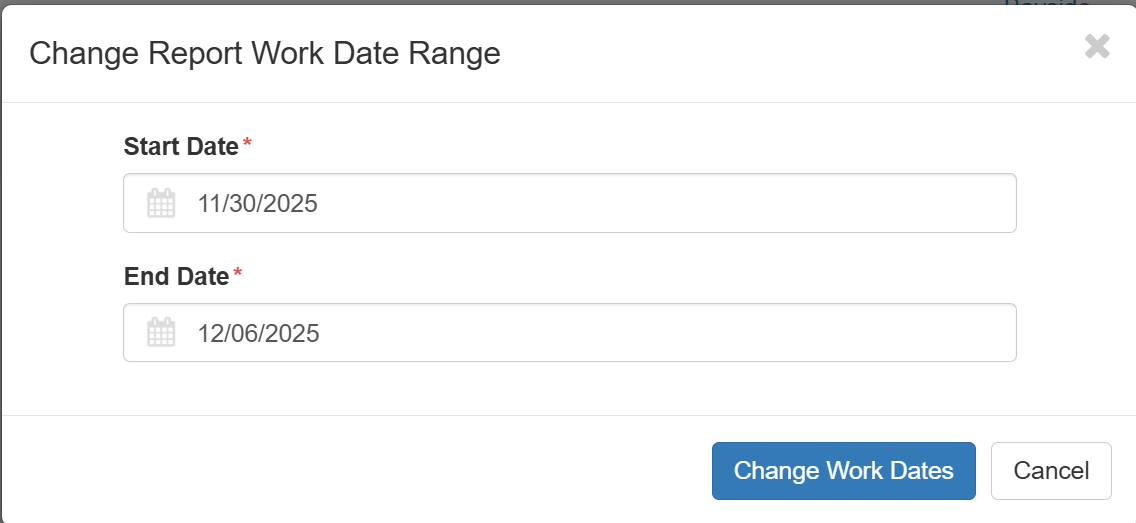
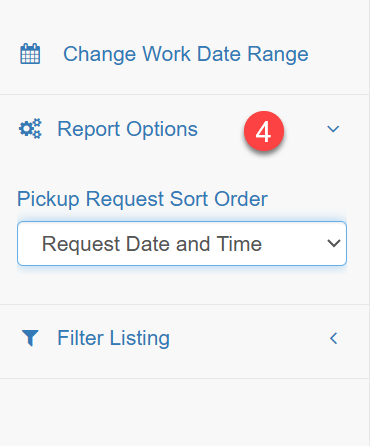
3. Change Work Date Range - the report opens with the default date the prior week
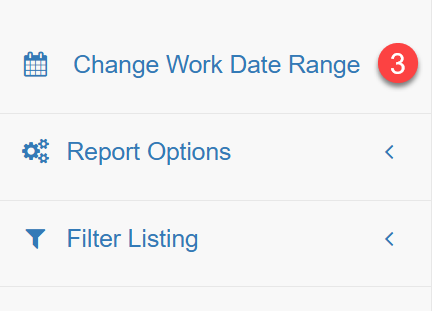
4. Report Options allows you to choose how pickup requests are sorted: Alphabetically, by Date and Time, or by Seniority.
5. The Filter Listing provides a wide range of options to help you narrow the results of the Shift Board History Report.
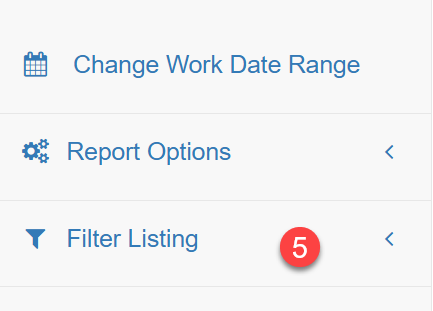
You can filter on:
Department
Schedule Type
Role
Facility
Location
Status
Owner (person who originally owned the shift)
Posted By
Requested By
Awarded To
Decided By
Label
Work Code
Day of Week
These filters can be combined to focus the report on exactly the shifts or activity you need to review.
Note: The bolded filter options above are 'sticky' meaning if you set them they will stay until reset.
They are:
Department
Schedule Type
Role
Facility
Location
Status
The report results can be exported to excel. Below is an example of what a shift looks like on the Shift Board History report.